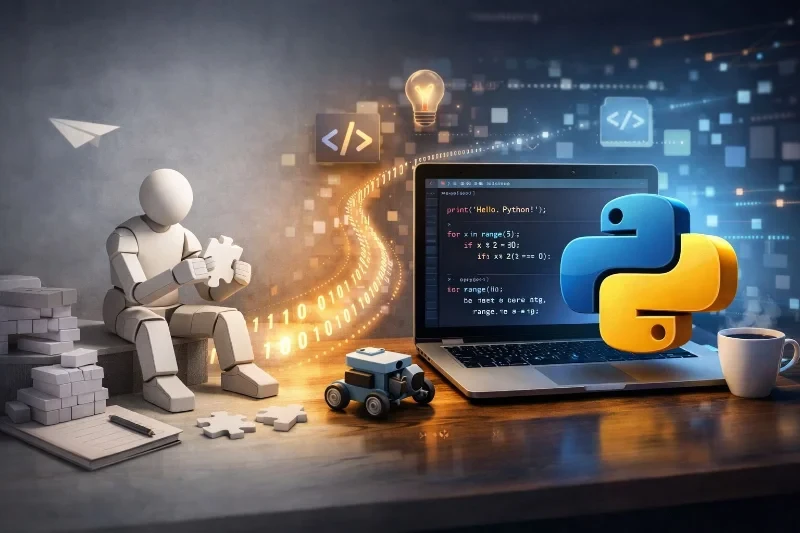
If you're an absolute beginner staring at a blank screen, wondering where to begin, you're in the right place. Today, we're diving into Python – the perfect first language due to its simple, readable syntax that feels like writing English. Welcome to Devignitor Insights, this comprehensive guide will take you from zero coding knowledge to confidently running your first programs, mastering core concepts, and exploring further resources.
Why Choose Python as Your First Programming Language?
Python stands out for beginners because of its versatility and gentle learning curve. Used everywhere from web development and data science to game creation and automation, Python powers tools at companies like Google, Netflix, and Instagram. Its code is clean and intuitive – no confusing symbols or strict rules to trip you up early on. Imagine telling your computer what to do in plain sentences; that's Python. For developers at Devignitor, Python is a foundational skill that unlocks doors to advanced projects, making it ideal for game scripting with Pygame or backend work with Flask.
Step 1: Setting Up Your Python Environment
Getting started is straightforward. First, download Python from the official site – it's free and works on Windows, macOS, or Linux. Most modern systems come with it pre-installed, but verify by opening your terminal (Command Prompt on Windows, Terminal on Mac/Linux) and typing python --version. If Python 3.12 or later appears, you're set.
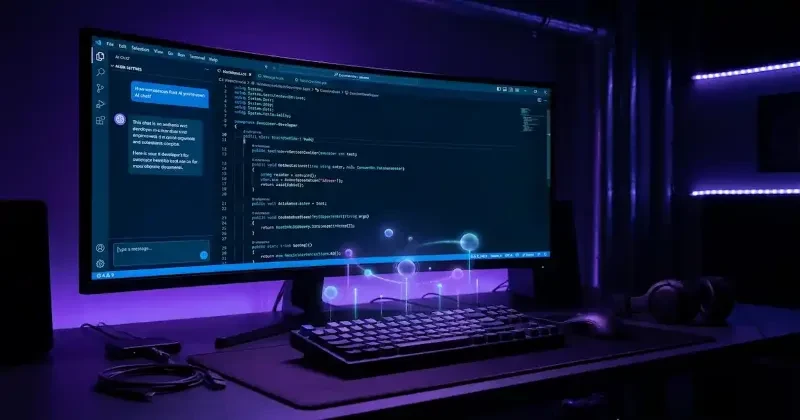
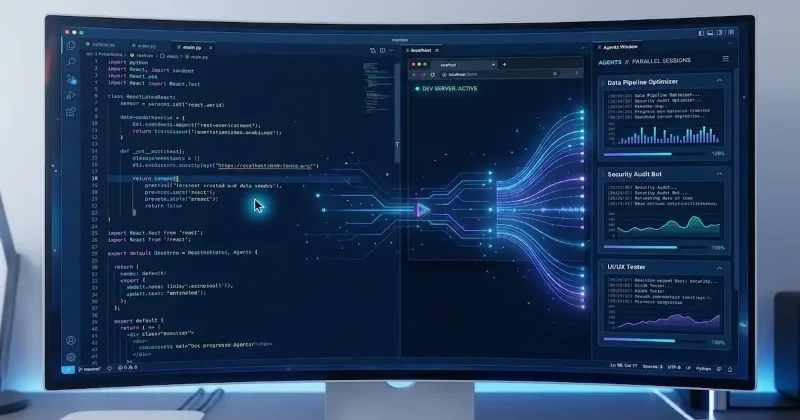
Next, choose a code editor. We recommend Visual Studio Code (VS Code) for its free Python extension, which offers auto-completion, linting (error checking), and a built-in terminal. Install VS Code, add the Python extension, and you're ready. Alternatively, use online editors like Replit for zero setup – perfect for testing ideas instantly.
Pro Tip: Open VS Code's terminal (View > Terminal), type python to enter the REPL (Read-Eval-Print Loop), an interactive shell where you can experiment line-by-line.
Step 2: Your First Program – Hello, World!
Every coder's journey begins with "Hello, World!" Create a new file in VS Code named hello.py and type:
print("Hello, World!")Save it, then run from the terminal: python hello.py. Boom – your screen displays "Hello, World!" This single line introduces print(), a function that outputs text. You've just instructed the computer to execute your command!
Core Concepts: Building Blocks of Python Programming
Now, let's grasp the fundamentals. These concepts – variables, data types, conditionals, and loops – are universal in programming, making Python mastery transferable to other languages.
Variables and Data Types
Variables store data, like labeled boxes. No need to declare types upfront; Python figures it out.
name = "Devignitor Developer"  # String (text)
age = 25                       # Integer (whole number)
height = 5.9                   # Float (decimal)
is_coding = True               # Boolean (True/False)

print(f"Hello, {name}! You are {age} years old.")
Use f-strings for easy formatting. Strings are in quotes, numbers are plain, and booleans are True/False.
Conditionals: Making Decisions
Conditionals let your code choose paths with if, elif, and else.
score = 85
if score >= 90:
    print("A Grade!")
elif score >= 80:
    print("B Grade!")
else:
    print("Keep practicing!")
Indentation (spaces or tabs) defines code blocks – Python's way of grouping statements without braces.
Loops: Repeating Tasks Efficiently
Loops automate repetition. for loops iterate over sequences:
for i in range(5):
    print(f"Loop {i}")
while loops continue until a condition fails:
count = 0
while count < 3:
    print("Counting:", count)
    count += 1
Combine these for powerful scripts, like generating game levels or processing app data.
Functions: Reusable Code Blocks
Functions bundle code for reuse. Define with def:
def greet(name):
    return f"Hello, {name}!"

print(greet("Python Beginner"))
Add parameters and return for dynamic outputs.
Common Pitfalls and Best Practices
- Indentation Errors: Always use 4 spaces; mix-ups cause crashes.
- Case Sensitivity:
- Comments: Use
- Practice in REPL for quick tests.
Next Steps: Resources to Level Up
Devignitor Insights curates the best free tools. Dive into interactive sites like learnpython.org for hands-on challenges covering lists, dictionaries, and functions. Watch YouTube full courses for visual learning – from basics to projects. Official Python docs offer the definitive tutorial. For structured paths, Codecademy's Python 3 course or freeCodeCamp forums provide community support. Build mini-projects: a number guessing game or simple calculator to solidify skills.
At Devignitor, we provide premium resources like templates and assets to jumpstart your game dev journey. Python is your launchpad – experiment, fail fast, and iterate.
Ready to code? Fire up your editor and type that first print. Share your "Hello, World!" in the comments – the Devignitor community is here to cheer you on. Happy coding!
Stay tuned to Devignitor Insights for more how-tos, from Python for game AI to web app blueprints.