Android CLI Is Now Stable Major Google I/O Updates
You open Android Studio, change a dependency, and wait for a massive Gradle sync while your laptop fans kick into overdrive. It is a classic developer pain point we have been watching closely at Devignitor. Google aims to kill that friction. At Google I/O 2026, the Android team unveiled a massive shift toward agentic workflows, streamlined command-line interfaces, and deep AI integrations designed to make local development less painful. If you are shipping apps to the Play Store, the barrier to entry just dropped while the tooling got a lot smarter.
Summary
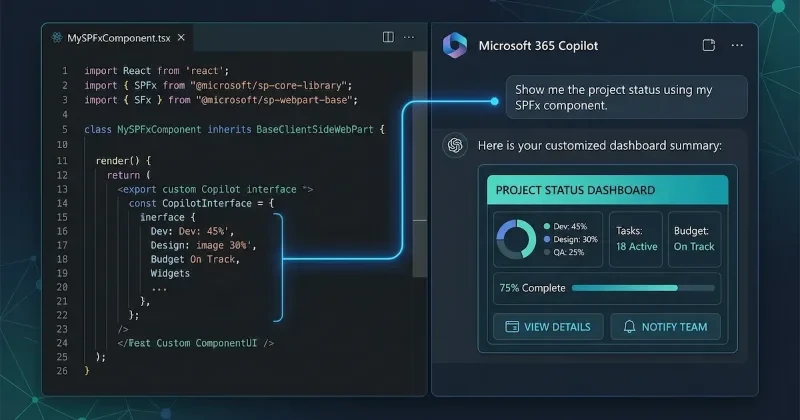
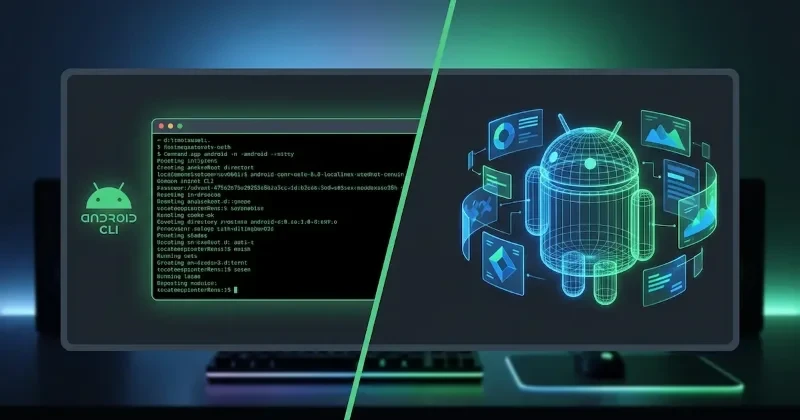
Google announced a massive suite of 17 major updates for Android developers, completely centered on agentic workflows and automated assistance. Leading the charge is the announcement that Android CLI is now stable. The command-line tool allows developers to build with any agent, LLM, or tool using standard workflows. It handles heavy-lifting tasks like generating ready-to-publish code, executing end-to-end UI tests, and resolving symbols.
Simultaneously, Google AI Studio now lets developers build native Android apps directly via simple prompts. The platform utilizes Jetpack Compose and Kotlin to prototype and iterate on embedded emulators without local installations. For benchmarking these AI models, Google introduced Android Bench, a new LLM leaderboard tailored explicitly for evaluating Android development assistants like Gemini 4.
Migrating from legacy platforms also received an AI boost. The new Migration Assistant in Android Studio uses agents to port iOS, React Native, or web frameworks to native Android. It automatically maps features, converts storyboards or SVGs, and rewrites the codebase into Jetpack Compose and Jetpack libraries.
On the framework side, Google officially declared Compose First. Traditional Views are now in maintenance mode, cementing Jetpack Compose as the definitive path forward. To support this, Jetpack Compose 17 introduces Adaptive by Default layouts, Jetpack Navigation 3, and integrated Glance support for unified widget development across mobile, Wear OS, and Android Auto.
Finally, Google opened the Android 17 Developer Beta, detailing critical performance upgrades. These include a lock-free MessageQueue, more frequent but less intensive garbage collection, and new developer tools like the R8 Configuration Analyzer and Android Performance Analyzer to optimize binary sizes and detect memory leaks.
Developer Impact
This release fundamentally changes the daily stack for Android engineers. By stabilizing the Android CLI, you are no longer locked entirely into the heavy Android Studio GUI for running agentic tasks. You can now pipe your own custom LLM scripts or Anthropic/OpenAI tools straight into the CLI to generate code and run automated UI tests.
If you are a startup founder or indie hacker shipping an iOS app, the Migration Assistant drastically lowers the financial and time costs of launching an Android version. Instead of a multi-week manual rewrite, you can let the agent bootstrap your Jetpack Compose architecture in hours. However, you must target Android 17 (API 37) moving forward, meaning you need to audit your apps for new strict background audio hardening, SMS OTP protection, and limited local network access policies.
Our Analysis
Google's direction is clear: they want to make Android development approachable to non-traditional mobile developers while giving power users faster local workflows. Transitioning Views to maintenance mode is a bold but necessary choice. It cuts the fragmentation that has plagued Android UI development for a decade and forces the ecosystem to fully adopt declarative UI. We view this as a massive win for codebase maintainability.
The integration of agentic platforms directly into Google AI Studio signals a direct defensive play against standalone AI code editors like Cursor or Devin. Instead of letting developers leave the ecosystem, Google is embedding the emulator and prototyping pipeline directly into the browser.
Our prediction is that within the next year, the Android CLI will become the primary way CI/CD pipelines and external AI coding agents interact with Android projects, making the traditional, heavy IDE setup optional for early-stage prototyping. While Apple continues to keep its Xcode tooling tightly coupled and closed off, Google’s open-ended CLI approach gives it an edge for developers looking to automate their development pipelines with custom AI agents.
| Feature / Tool | Legacy / Previous Approach | Android I/O 2026 Update |
| UI Development | Android Views (XML-based layouts) | <b>Compose First</b> (Views in maintenance mode) |
| Tool Interaction | Heavy reliance on Android Studio GUI | <b>Android CLI Stable</b> for third-party LLMs & agents |
| iOS to Android Porting | Manual line-by-line Kotlin/Compose rewrites | <b>Migration Assistant</b> with automated agent porting |
| Widget Engine | Separate APIs for Wear OS, Auto, and Mobile | <b>Unified Jetpack Glance</b> with RemoteCompose |
| Target SDK | Android 16 (API 36) | <b>Android 17</b> (API 37 with strict security rules) |
The following example demonstrates how to set up an AppFunctions integration using the latest Jetpack libraries to expose your app's core capabilities to system-level AI assistants and agents.
import androidx.appactions.builtintypes.actions.CreateNote
import androidx.appfunctions.AppFunctionContext
import androidx.appfunctions.AppFunctionService

// Registering a custom function capability for system agents
class JournalAppFunctionService : AppFunctionService() {

    // Invoked by the system or local agent via AppFunctions API
    override fun onExecuteFunction(
        context: AppFunctionContext,
        functionIdentifier: String,
        parameters: Map<String, Any>
    ): Any {
        return when (functionIdentifier) {
            "saveJournalEntry" -> {
                val content = parameters["content"] as? String ?: ""
                saveToDatabase(content)
                "Entry successfully saved via Agent workflow."
            }
            else -> throw IllegalArgumentException("Unknown function identifier")
        }
    }

    private fun saveToDatabase(content: String) {
        // App-specific local database logic here
    }
}
FAQs
Q: Can I use the new Android CLI with LLMs other than Google Gemini?
A: Yes. The stable Android CLI is designed to be open and platform-agnostic, allowing you to hook up any LLM, custom script, or external agent framework to execute tests and resolve symbols.
Q: Will my existing XML-based Android projects stop working now that Views are in maintenance mode?
A: No, your existing apps will still compile and run, but Google will no longer actively develop new features for the traditional View system. All major layout innovations are moving exclusively to Jetpack Compose.
Q: How accurate is the new Migration Assistant for complex iOS apps?
A: The assistant handles UI layouts, asset mapping, and standard logic conversion down to hours instead of weeks, but complex native iOS dependencies or custom C++ code will still require manual architecture adjustments.
Q: What are the biggest breaking changes when targeting Android 17?
A: You will need to adapt your application architecture to handle strict background audio hardening, automated SMS OTP protections, and highly restricted local network access.
Our Take
Google I/O 2026 proved that the future of mobile development belongs to command-line automation and declarative UI frameworks. By stabilizing the Android CLI and making Jetpack Compose the absolute default, Google is cleaning up years of developer friction. At Devignitor, we are highly optimistic about these workflow updates and believe they will rapidly accelerate how fast indie teams can ship cross-platform products. Keep your eyes on the Android CLI-it is the quiet sleeper update of the year.