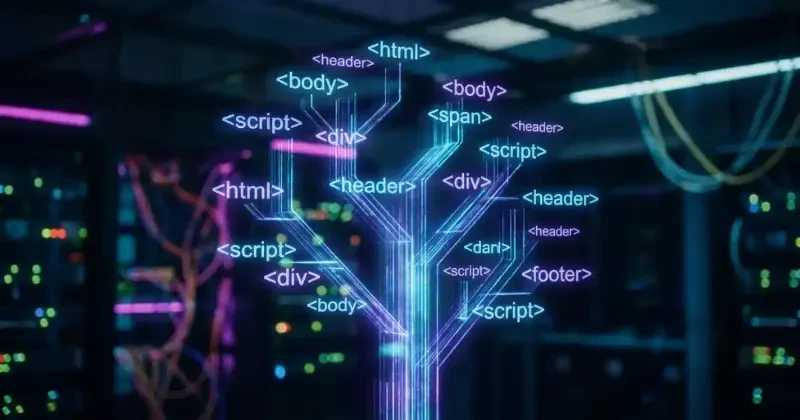
The Skeleton of a Website the DOM
When you open a web page, you aren't just looking at a static document; you are interacting with a living, breathing software structure known as the Document Object Model (DOM). To the untrained eye, a website is built from a chaotic soup of HTML tags. But to the browser, those tags are transformed into a highly organized, interactive masterpiece.
Think of the DOM as a family tree. Every element on the page from the massive hero video down to a tiny, blinking submit button has a specific birthright, a home, and relationships with the elements surrounding it. Understanding this hierarchy is the secret weapon to mastering dynamic front-end development.
A Family Tree - Understanding the Hierarchy
At its core, the DOM is structured exactly like a multi-generational family tree. It takes your flat HTML file and parses it into a branching ecosystem of Parents, Children, and Siblings.
The Lineage of Elements
- The Root Element (
<html>): This is the ultimate ancestor. Every single piece of visual or functional data descends directly from this root node.
- The Parent Nodes (
<body>,<head>): These are the direct children of the root, acting as heads of their own respective households. The<body>manages the visual estate, while the<head>manages the background logistics (meta tags, titles, scripts).
- The Children and Siblings (
<div>,<p>,<img>): Inside the body, elements nest within each other. A<div>might play the role of a parent housing two siblings: an<img>and a<p>.
Because of this rigid hierarchy, no element exists in isolation. If you want to change a paragraph, you need to know which branch of the family tree it belongs to.
Finding a Relative - How JavaScript Traverses the Tree
When a user interacts with a page such as clicking a modern animated popover component JavaScript doesn't just instantly guess where that element is. It has to hunt through the family tree to locate the exact "relative" it needs to modify.
Walking the Branches
Web developers use specific query methods to navigate this lineage. Once JavaScript targets the correct branch, it can listen for user behavior and execute changes. Here is a practical example of how JavaScript targets a button and changes its sibling text.
<div class="card-container">
  <h2 class="card-title">Cinematic Slideshow</h2>
  <button id="update-btn">Activate Effect</button>
</div>
// 1. Find the specific button node in the tree
const button = document.querySelector('#update-btn');

// 2. Add an event listener to wait for user interaction
button.addEventListener('click', () => {
  // 3. Travel up to the parent, then look for the title child (sibling)
  const title = button.parentElement.querySelector('.card-title');

  // 4. Update the content in real-time
  title.textContent = "Effect Activated!";
  title.style.color = "#E5322D";
});
Real-Time DOM Updates
The true magic of the DOM lies in its ability to undergo live surgery. In the early days of the internet, changing a single word on a website required a grueling trip back to the server to reload the entire page.

Seamless Transitions without Reloads
With the modern DOM, JavaScript can slice into the living tree to add, move, or completely amputate branches in a fraction of a millisecond.
- 0ms Reloads: The page never blinks. The user experience remains entirely uninterrupted.
- Dynamic Interactivity: Whether it's rendering a 10-pure-CSS theme loader grid or adjusting data inside a complex application, the DOM updates instantly.
By treating your website as an adaptable family tree rather than a flat piece of paper, you unlock the ability to build rich, high-performance web applications that respond instantly to human touch.