The Shift to Autonomous Development
If you're building a SaaS with a complex microservices architecture, managing your AI chat panel is a mess. Context drift ruins prompts, and jumping between terminal tabs kills productivity. We've been watching this space closely, and Microsoft's latest update tackles this head-on.
The release transitions your IDE from an editor with an AI plugin into a core environment optimized for autonomous development. It replaces casual inline chat with dedicated, isolated workspace automation that handles heavy refactoring behind the scenes. This layout shifts how builders ship code daily.
Summary
The stable release of VS Code 1.120 introduces a dedicated Agents Window. This feature changes how developers interact with large language models during multi-file coding tasks. Instead of crowding your main text editor with long chat histories, the update opens a separate window designed exclusively for agent execution.
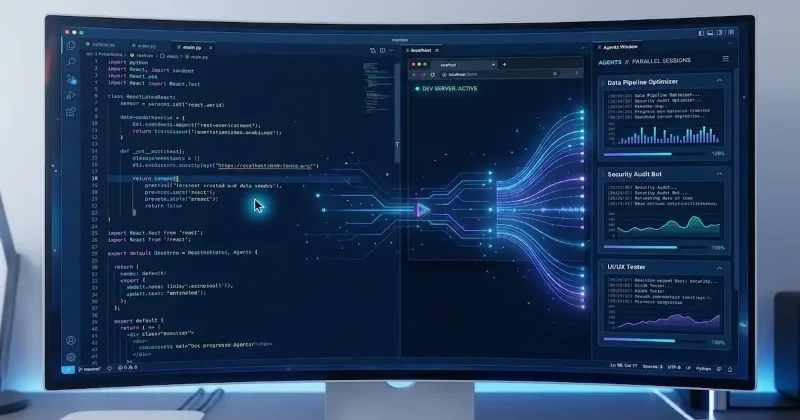
This new interface provides true parallel session management via a left sidebar. You can run multiple autonomous coding tasks at the same time across different workspaces. The setup lets you name, pin, or mark individual agent sessions as completed without losing your train of thought.
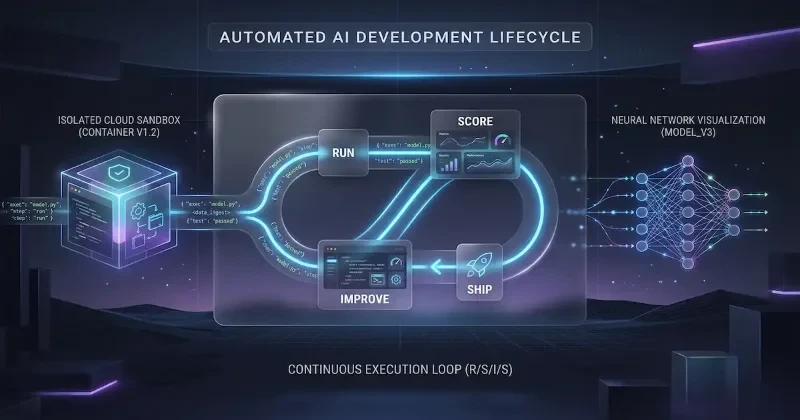
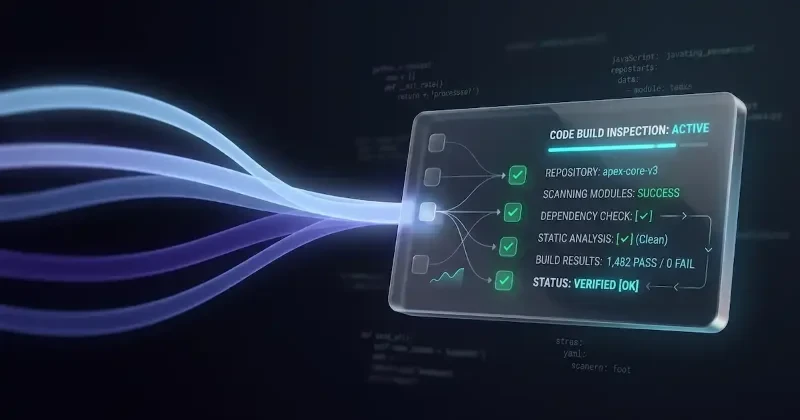
Behind the scenes, when you assign a complex task to an agent, the system automatically creates isolated Git worktrees. The background agent can pull dependencies, run local unit tests, and modify files across your directory. This isolation guarantees that the agent won't disrupt your primary working directory or break your current local builds.
On the right side of the Agents Window, a new review workspace acts as a real-time diff tracker. This gives you full visibility into every file modification the agent attempts. You can audit the changes, offer iterative prompts, or merge the code into your primary working branch.
Launching the new interface is direct. You can click the specialized icon in the title bar, search the command palette, or run a simple terminal flag.
The update also graduates the Integrated Browser feature to stable. This system intercepts your terminal's localhost URLs automatically. When you start a local dev server, clicking the link bypasses your default system browser entirely.
Instead, it opens a lightweight web tab inside your active workspace. This lets your active AI agents directly interact with, inspect, and debug your running web application. The agents can view console logs or read rendered DOM states to self-correct layout problems without manual intervention.
To enable this connection, developers can toggle the localhost link settings within global configuration files. The browser targets local interfaces exclusively, ensuring that external documentation links still open safely inside your standard external browser.
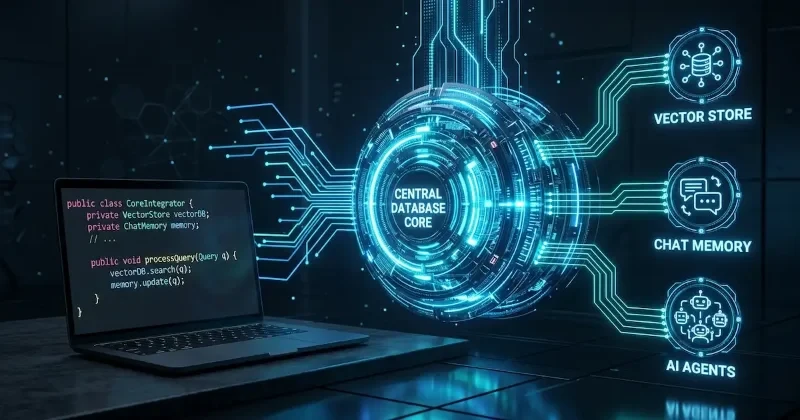
Additionally, Microsoft added native support for Model Context Protocol (MCP) server controls directly inside the customization menu. Builders can now wire up internal databases or proprietary documentation directly to an active agent session. This keeps the LLM grounded in your specific backend architecture rather than relying on generic public training data.
The release also alters how terminal outputs are handled. When agents run verbose commands like package installations or container builds, the IDE compresses the terminal logs. This prevents long-running tasks from flooding the context window, drastically cutting down on API token consumption.
What This Means for Developers
If you are currently building a SaaS product, this update alters your day-to-day continuous integration loop. You no longer have to pause your manual coding to let an LLM generate a boilerplate feature. By utilizing isolated Git worktrees, you can offload background refactoring tasks to the agent while you continue styling components in your main workspace window.
Furthermore, the native combination of the Integrated Browser and the Agents Window shortens the debugging loop for web applications. Because the agent can read local runtime errors and console logs directly from the internal tab, it self-corrects code errors before you ever run a manual build. This eliminates the tedious cycle of copy-pasting terminal bugs into a side panel. If you are integrating third-party APIs or managing microservices, the native MCP server toggles mean your autonomous assistant can safely query your actual schema, preventing context drift entirely.
Our Analysis
Our stance on this shift is overwhelmingly positive for the engineering ecosystem, though it demands a new mental model for code reviews. For years, extensions like GitHub Copilot or early versions of Claude Dev treated the IDE as a passive canvas. You ran inline prompts, generated functions, and manually cleaned up the syntax. This update shifts the paradigm entirely: Microsoft is turning VS Code into an orchestration platform where developers act as managers rather than typists.
Compared to older iterations of Copilot Chat, which frequently polluted context windows with repetitive terminal logs, the aggressive log compression in this release is a massive win. Older versions would burn through token limits within a few multi-file iterations, causing the model to lose track of the original architecture. Isolating agents into Git worktrees fixes the safety issues that plagued earlier autonomous tools, which often accidentally wiped uncommitted local changes.
We predict that this update will trigger an arms race among competing editors like Cursor and Zed. While Cursor gained massive traction by deeply embedding AI into the core editor UI, Microsoft's implementation leverages structural OS features like Git worktrees and localized MCP routing. This makes it a much more robust option for enterprise teams who cannot risk AI modifying their live workspace state.
However, the reliance on a paid GitHub Copilot tier for full agent orchestration introduces a clear point of friction. While the improved Bring Your Own Key (BYOK) support gives you the option to toggle foundational models like Claude 3.5 Sonnet, the core automation pipeline remains locked behind Microsoft's ecosystem. Moving forward, expect third-party extension developers to bypass these restrictions, offering completely open-source alternatives that leverage these exact same native window APIs.
| Feature | Old IDE AI Workflows | VS Code 1.120 Agents Window |
| Workspace Safety | Modifies active file state directly | Operates in isolated Git worktrees |
| Session Control | Single continuous chat panel | Parallel, trackable sessions |
| Token Management | Verbose terminal logs bloat context | Aggressive log compression |
| Local Debugging | Manual copy-pasting of console logs | Native browser interaction for agents |
| Data Integration | Generic system prompt injections | Direct local MCP server toggles |
// .vscode/settings.json
{
  // Automatically open terminal localhost links in the internal browser
  "workbench.browser.openLocalhostLinks": true,

  // Configure agent session behaviors for background execution
  "github.copilot.selectedModel": "claude-3-5-sonnet",
  "github.copilot.agent.isolatedWorktrees": true,

  // Streamline terminal payload sizes to reduce API token usage
  "github.copilot.terminal.compressVerboseOutput": true
}
FAQs
Q: Does the new Agents Window require a paid subscription? A: Yes, you need an active GitHub Copilot subscription (Pro, Business, or Enterprise) to access the autonomous multi-file planning and terminal execution features.
Q: Can I use alternative models like Claude 3.5 Sonnet in the Agents Window? A: Yes. The update features improved Bring Your Own Key configuration visibility, allowing you to swap between supported foundational models within the Customizations panel.
Q: Will the Integrated Browser slow down my main VS Code editor performance? A: No, it runs on an isolated, lightweight process tree designed specifically for local development servers. It will not drain system resources like a heavy external browser.
Q: How do I stop the internal browser from opening standard external web links? A: The configuration targets local network interfaces like localhost and 127.0.0.1 exclusively. Standard web URLs will still cleanly hand off to your default system browser.
Our Take
The bottom line is simple: stop treating AI as a typing assistant. VS Code 1.120 forces you to think like an architect rather than an implementation machine. By decoupling background code generation from your live workspace, it eliminates the constant friction of context switching and broken builds. If you build web applications or manage multi-layered codebases, enabling these settings is non-negotiable for your throughput. We are tracking this agentic architecture closely as it rolls out across the broader developer ecosystem